
Game Basics
Control Guide
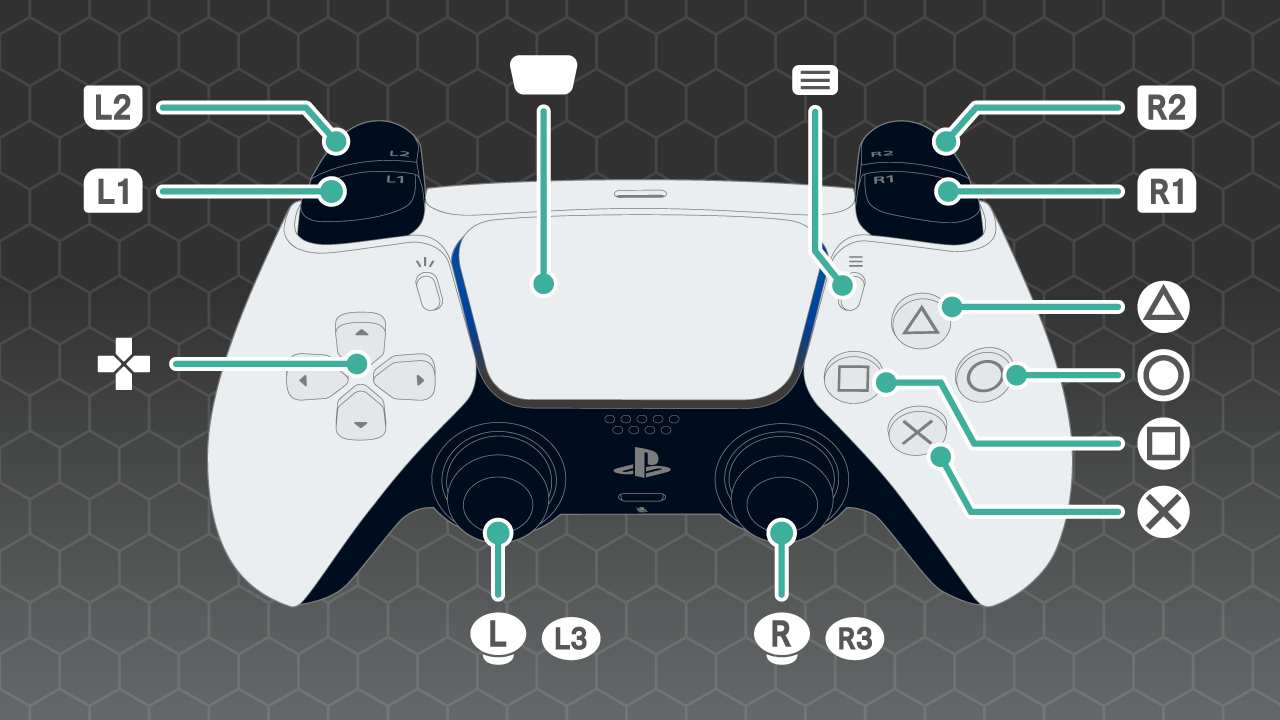
PlayStation 5 | PlayStation 4 | Nintendo Swtich & Nintendo Swtich 2 | Xbox Series X/S
Common Controls
- Confirm: {B_Decide}
- Cancel: {B_Circle}
- Move Cursor: {B_LStick} or {B_Arrow}
Basic Controls During Unit Deployment Phase
- View Unit Details: {B_Square}
- Select Flagship Unit: {B_Triangle}
- Return to Intermission: {B_SP_Right}
- Hide UI: Hold {B_SP_Left}
- Change Screen Scale: Zoom Out with {B_L2}, Zoom In with {B_R2}
- Remove Unit Deployment: {B_L3}
- Change Text Size: {B_R3}
Basic Controls During Missions
- Open Operation Command: {B_Decide} on an empty hex
- Open Mission Data: {B_SP_Right}
- Hide UI: Hold {B_SP_Left}
- Search Inactive Units: {B_L1} or {B_R1}
- Change Screen Scale: Zoom Out with {B_L2}, Zoom In with {B_R2}
- Change Text Size: {B_R3}
Unit Controls During Missions
These controls are performed while the cursor is over a unit.
- View Unit Details: {B_Square}
- Display Attack Range: {B_Triangle}
- Display Move Range: {B_Circle}
- Open Unit Command: {B_Decide}
→ If a unit has only the Move command, destination selection will begin immediately.
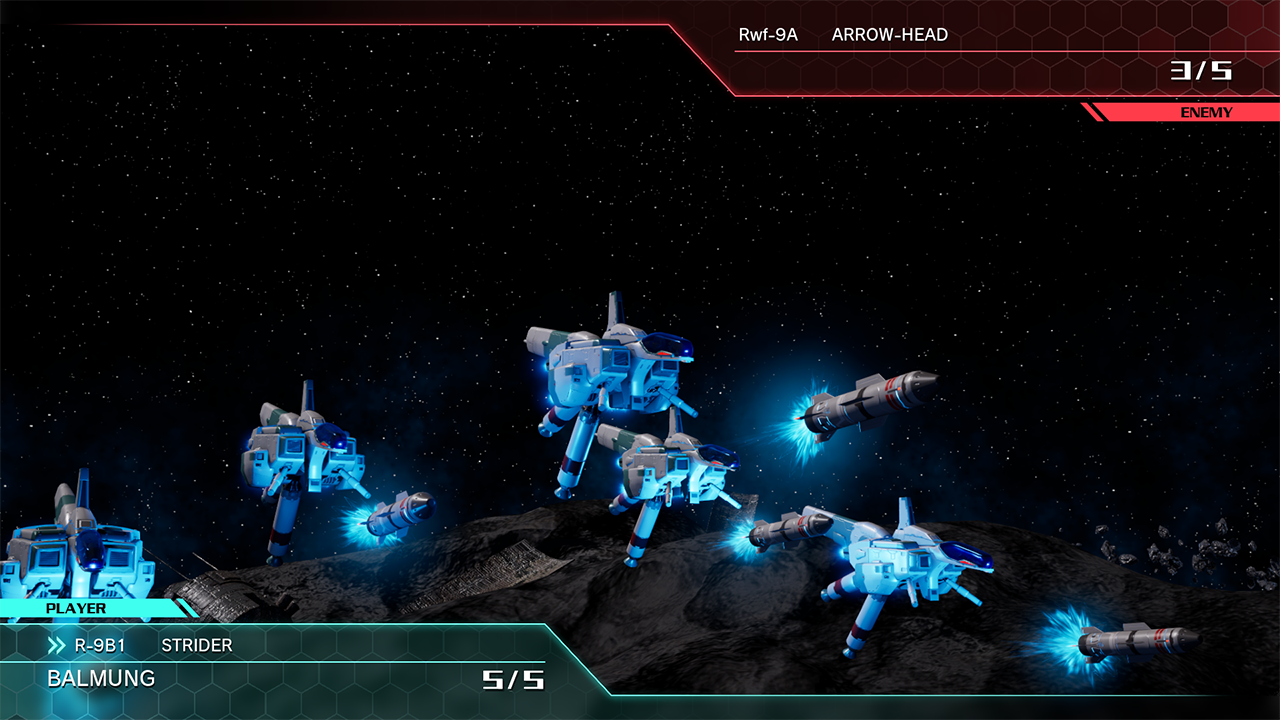
- Fast Forward: {B_Square}
- Skip: {B_Decide} or {B_Circle}
You can also change the display of battle and command animations in the Options menu.